

Your IT on Moving Day: Who Does What, and in What Order
Monitors, servers, workstations: who disconnects them, who moves them, and how to sequence your IT team so you're back online by Monday morning.
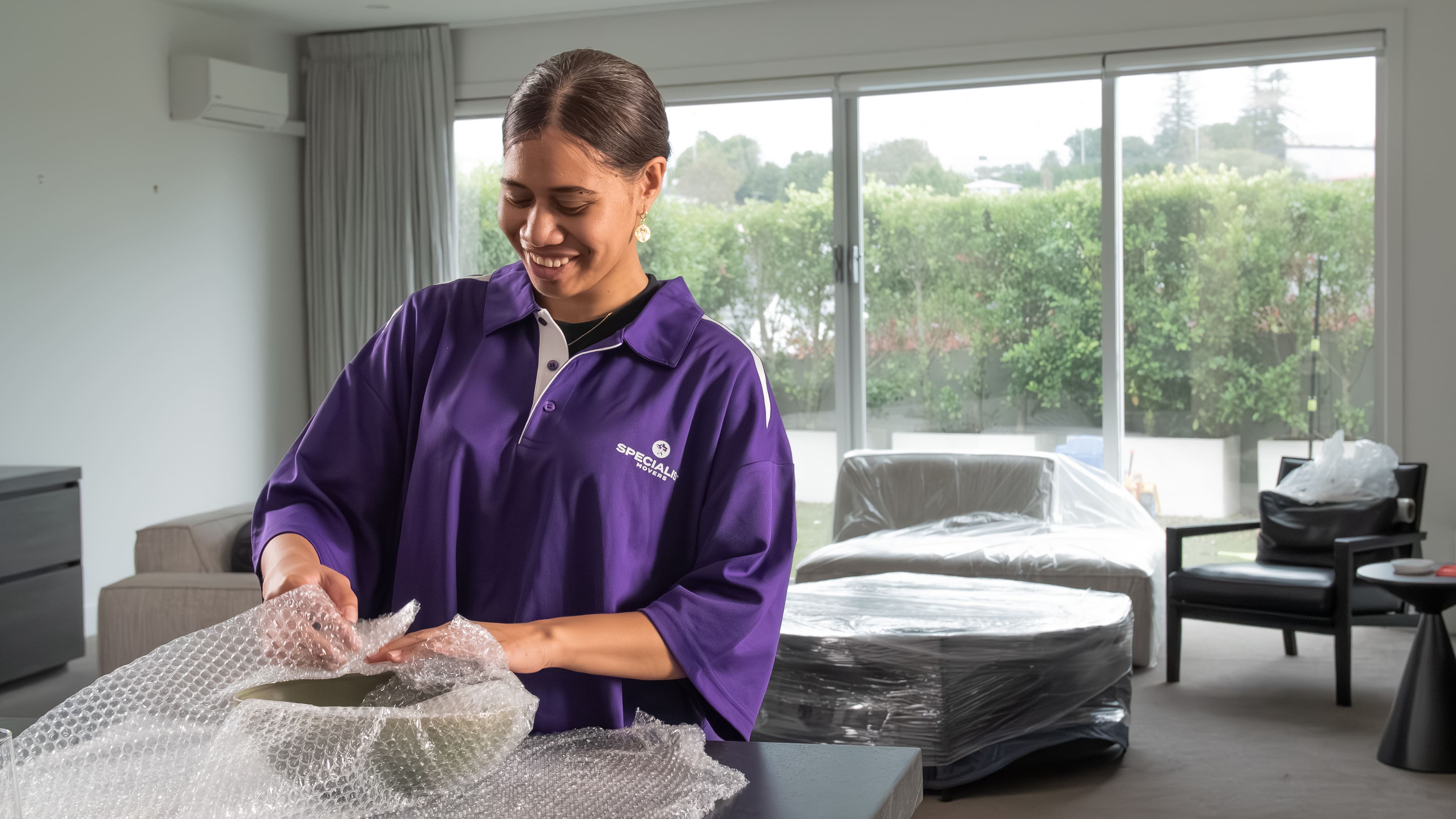
Advice from crews who do this every day
Practical tips for Auckland and Waikato moves, from packing timelines to choosing the right crew size.
Updated: 4 October 2026

Richard Boote · Owner & General Manager
Richard founded Specialist Movers in 2023 and runs the Auckland and Waikato operations. He still quotes the difficult jobs himself, and the business now completes around 180 moves a month.
The Question Every Office Manager Asks Too Late
Most Auckland office moves go smoothly until someone asks, on the afternoon before the trucks arrive, who is handling the computers. The furniture crew is booked. The new office is ready. But nobody has confirmed whether IT is coming in to disconnect workstations, who is labelling the cables, or when the server room gets touched.
This article answers those questions plainly. It covers what your movers will and will not do, what your IT team needs to handle, and how to sequence the two so you are not paying people to stand around waiting for the other group to finish.
What Movers Handle and What They Do Not
A furniture crew will move IT equipment once it is ready to move. Monitors, desktop towers, UPS units, server rack components, even large network switches. If it is boxed, crated or disconnected and ready to be carried, the crew can move it.
What movers will not do is touch live systems, disconnect cables, or make decisions about how a rack is broken down. That is not a limitation specific to us. It is the right boundary. A mover who pulls the wrong cable from a server panel can cost a business far more than the moving job is worth. Your IT contractor or internal IT team owns that work, full stop.
Screens and monitors travel best in their original boxes if you have kept them. If not, talk to us when you book. We can discuss packing options that suit what you have.
The IT Team's Job Before the Truck Arrives
IT needs to be on site before the movers start, not after. The sequence that works is: IT disconnects and labels everything, movers load and transport, IT reconnects at the other end. If those stages overlap, you get confusion and delays.
For workstations, each machine should be shut down, cables detached and coiled, and the whole unit ready to be picked up as a discrete item. A label on the machine and a matching label on the cable bundle saves hours at the destination.
For server rooms, your IT contractor should have a full decommission plan before moving day. Which racks come down first, what order equipment is removed in, how long it takes to bring everything back online at the new address. That plan should exist independently of the move plan, and the two should be cross-referenced so the furniture crew knows when the server room is clear and ready.
Server Rooms: Plan the Downtime Window Deliberately
Most Auckland businesses moving offices accept some server downtime. The question is whether that downtime is planned or accidental. Planned is manageable. Accidental, when a server is moved before the destination rack is in place, or when the new building's power configuration has not been checked, is expensive.
Talk to your IT contractor about the minimum downtime window and work backwards from when you need to be operational. If you need to be running by Monday morning, work out what time Sunday the servers need to be back online, then what time they need to arrive at the new address, then what time the movers need to have the server room cleared at the old one.
If your business runs a cloud-first setup with minimal on-site infrastructure, this is simpler. But even then, someone needs to move the physical hardware, and that someone still needs to have disconnected it properly first.
The Sequence That Avoids the Gap
Here is a working order that Auckland office managers have found reliable. IT attends the day before the move, or early on move day, to disconnect and label all equipment. The furniture crew loads general office furniture first while IT finishes. IT equipment goes on the truck last so it comes off first at the destination, where IT is already waiting to begin reconnecting.
At the new premises, the IT team should be there before the first box arrives if possible. Network points, power configuration and desk layout need to be confirmed before workstations land on desks. If those details are unresolved when the truck pulls up, the crew ends up waiting and you are paying for that time.
One practical tip: confirm with building management at both addresses that the server room or comms cupboard is accessible before your IT team and movers arrive. Auckland CBD buildings and North Shore commercial parks both have after-hours access procedures that can catch people off guard.
After-Hours and Weekend Moves
We work seven days. For a lot of Auckland businesses, the right answer is a Friday evening or Saturday start so that IT has the weekend to reconnect and test everything before staff are back on Monday. That window also avoids lift and loading dock conflicts in busy commercial buildings.
If your new building has managed-site requirements, ask your moving company whether they hold the right certification. Our crews carry SiteWise Gold certification with a 90-plus percent score, which is what gets a team onto managed sites and commercial construction buildings without delay. It is worth confirming before you book anyone.
A Few Things Worth Confirming Before Moving Day
Check that your IT contractor and your moving company have each other's contact details and a shared understanding of the sequence. It sounds obvious, but the gap between those two groups is where most office move delays live.
Confirm the power layout at the new premises. Knowing where the dedicated circuits are and whether the rack space is ready saves time on reconnection.
If you have specialist equipment, a broadcast rig, high-value workstations, or anything that needs particular handling, mention it when you get your quote. The more we know ahead of time, the better we can plan the crew and truck size.
If you are moving a larger Auckland office and want us to walk through the job first, we offer free viewings. It gives us a clear picture and means there are no surprises on the day. You can get a quote through the Specialist Movers website and we usually come back to you within about 15 minutes during business hours.